
KOREA ESSENTIALS · TRAVEL APPS
Korea Travel Apps: What You Need and What You Can Skip
First Korea Trip · Updated August 31, 2026
Last fact-checked: August 31, 2026
You do not need a phone full of Korea-specific apps. For most first-time visitors, NAVER Map and Papago are the two genuine essentials. Add a taxi app, KORAIL+, CATCHTABLE Global, MobileTmoney or Emergency Ready only when they solve a problem you are actually likely to have.
The biggest mistake is downloading every “must-have Korea app” on a travel list. Several popular apps overlap, some are designed mainly for Korean residents, and some are useful only for a specific type of trip.
QUICK ANSWER
For almost everyone:
- NAVER Map — navigation, public transport and place search
- Papago — Korean translation, including image and offline translation
Add when useful:
- k.ride — tourist-friendly taxi calling
- KORAIL+ — if you will take KTX or other KORAIL trains
- CATCHTABLE Global — if you want to reserve popular restaurants
- MobileTmoney — especially useful for eligible iPhone users
- Emergency Ready — official emergency and safety information
Usually optional: WOWPASS, KakaoMap if NAVER Map already works for you, and general tourism apps you can replace with a browser.
On this page
The short list: which Korea travel apps are actually worth installing?
| App | Best for | iOS | Android | Korean phone number? | Verdict |
|---|---|---|---|---|---|
| NAVER Map | Navigation and public transport | Yes | Yes | Not required for basic map use | MUST-HAVE |
| Papago | Korean translation | Yes | Yes | No for basic translation | MUST-HAVE |
| k.ride | Calling taxis | Yes | Yes | Designed for international users | USEFUL |
| MobileTmoney | Phone-based transit card | Yes | Yes | iPhone tourist mode can avoid signup; Android is less straightforward | SITUATIONAL |
| KORAIL+ | KTX and KORAIL train booking | Yes | Yes | Multilingual tourist use supported | SITUATIONAL |
| CATCHTABLE Global | Restaurant reservations | Yes | Yes | No Korean phone number required | SITUATIONAL |
| Emergency Ready | Emergency and safety information | Yes | Yes | No signup requirement identified | USEFUL |
| WOWPASS | Prepaid travel card and exchange tools | Yes | Yes | Built for foreign travelers | OPTIONAL |
1. NAVER Map: the one navigation app I would install first
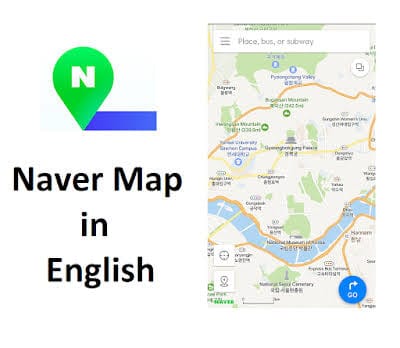
If you install only one Korea-specific navigation app, make it NAVER Map. It handles walking directions, subway and bus routes, driving directions, place information and travel-time estimates using Korean map and transit data.
The recurring complaint from foreign travelers is English place search. Some restaurants, cafés and smaller businesses can be hard to find when the English spelling does not match the Korean listing. The practical fix is to copy the Korean business name or address from the restaurant, hotel or booking page and paste it into NAVER Map.
Before your flight, switch the app to English and save your hotel, airport terminal, major attractions and restaurants you already know you want to visit. Keep mobile data available for live transit and place searches.
If NAVER Map is new to you, read the full NAVER Map guide. If you are still deciding how to stay connected, see the Korea eSIM vs SIM guide.
2. Papago: still the safest Korea-specific translation choice
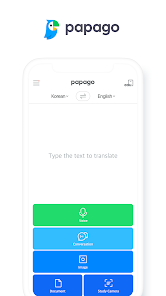
Papago is the second app I would install before departure. It supports text, voice, image, conversation and web translation, and it can download offline translation data.
For a short trip, the most useful features are image translation for menus and signs, voice or conversation mode for short exchanges, and offline translation as a backup. Download the offline language data before your flight rather than waiting until you need it.
Papago and NAVER Map complement each other: NAVER Map can struggle with some English search terms, while Papago helps you understand Korean names, signs and instructions around you.
3. k.ride: tourist-friendly taxis, but keep a backup

k.ride is operated by Kakao Mobility and is designed around international users. It supports foreign payment methods, multilingual interfaces and automatic translation for destination search and driver communication.
Real traveler feedback is mixed. Some users find it easy and convenient; others report inconsistent matching, address-search issues or fares they felt were less competitive than alternatives. The practical setup is to install k.ride if you expect to use taxis, but keep Uber if you already use it and compare availability when one service is slow.
For airport arrival, compare taxis with rail and buses in the Incheon Airport to Seoul guide.
4. MobileTmoney: much better for iPhone tourists in 2026
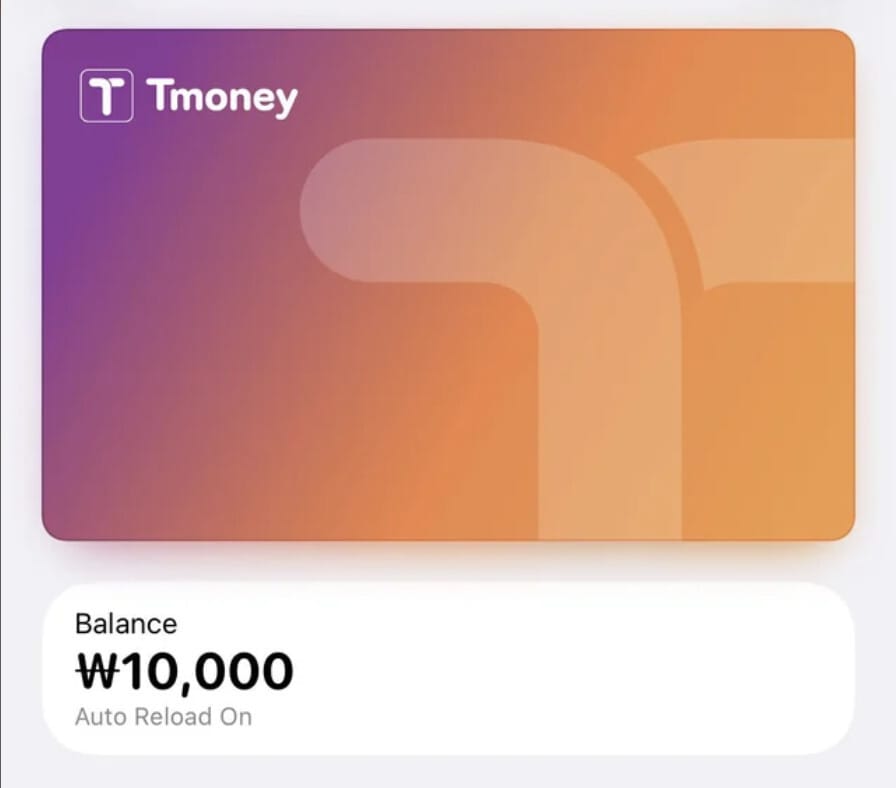
This is one area where older Korea travel advice is now unreliable. In 2026, MobileTmoney on iPhone added a more tourist-friendly path that does not require the same signup flow used by domestic users. Eligible iPhones and Apple Watches can be used as the transit card itself, and supported overseas-issued cards can be used for top-ups through the app and Apple Pay flow.
Android is different. The app is mature, but the experience remains more closely tied to Korean mobile identity and domestic-user flows. A short-term Android visitor without a Korean phone number should not assume the experience will be as simple as the newer iPhone tourist flow.
Compatible iPhone users can consider MobileTmoney; short-term Android visitors should still treat a physical T-money card as the safer default. See the T-money card guide and the Seoul subway guide.
5. KORAIL+: install it only if you are taking intercity trains

KORAIL+ is the official Korea Railroad Corporation app and replaced the older KorailTalk branding in 2026. Install it if your itinerary includes KTX or other KORAIL-operated intercity trains such as Seoul to Busan, Gyeongju or Jeonju. If you are staying only in Seoul and Incheon, you probably do not need it.
The app supports multilingual train booking, but the new interface has received mixed reviews and some foreign travelers still report payment friction. For an important train, keep the official KORAIL website as a backup, confirm that payment completed and make sure the ticket or confirmation is visible after purchase.
6. CATCHTABLE Global: worth it for popular restaurants

CATCHTABLE Global solves a specific problem: reserving Korean restaurants when you do not have a Korean phone number. The global version supports foreign travelers, overseas cards and reservations without the Korean-number barrier that can appear on local booking systems.
Install it if you are targeting Michelin-listed or fine-dining restaurants, a viral or heavily booked restaurant, or remote waiting and reservation features. Skip it if your plan is mostly casual meals, markets and restaurants you can simply walk into.
7. Emergency Ready: low-use, high-value

Emergency Ready is an official Ministry of the Interior and Safety app. It can help locate shelters, emergency medical facilities, fire stations and police stations, and provides emergency guidance and access to 119-related information.
You may never open it during your trip. That is fine. It is a low-frequency safety tool with very little downside to keeping installed.
Apps you can usually skip
WOWPASS

WOWPASS combines a prepaid payment card, exchange functions and travel-related money tools for foreign visitors. It can be useful if your normal cards have high foreign-transaction fees, you want a prepaid backup, or you prefer managing spending through one travel product.
But it is not automatically necessary. If you already have an internationally usable Visa or Mastercard with low fees plus T-money for transit, WOWPASS can duplicate tools you already have. Treat it as a payment choice, not a universal Korea essential.
KakaoMap
KakaoMap is a strong Korean map app, but most first-time visitors do not need two full navigation apps. If NAVER Map works for your trip, stick with it. Install KakaoMap later only if you have a specific reason to compare map data or prefer its interface.
General tourism apps
VISITKOREA, Odii and other tourism-focused apps can be useful for inspiration or audio-guide content, but they are not in the same category as navigation, translation, taxis or transport. If the same information is easy to reach through a website, there is no reason to install an app just to make your home screen more crowded.
No Korean phone number? This matters more than an English menu
One of the biggest traps for foreign visitors is assuming that an English interface means the entire service is tourist-friendly. It does not. Some Korean apps are easy to browse in English but still expect a Korean phone number, local identity verification or domestic payment when you actually try to book or pay.
That is why this list prioritizes CATCHTABLE Global, k.ride, the newer iPhone MobileTmoney foreigner flow, and core services such as NAVER Map and Papago that do not depend on Korean mobile verification for basic use. If you specifically need a Korean phone number for local services, see the eSIM vs SIM guide.
iPhone vs Android: one important difference
For most apps in this guide, the recommendation is basically the same on iPhone and Android. MobileTmoney is the exception. For compatible iPhone users in 2026, the foreigner flow has become much more practical. For short-term Android visitors, a physical T-money card remains the less risky default unless you have confirmed your exact phone and signup situation.
Do not use an old 2024 or 2025 blog post as the final word on iPhone T-money. This changed materially in 2026.
What I would download before flying to Korea
Minimum setup
- NAVER Map
- Papago
Most first-time visitors
- NAVER Map
- Papago
- k.ride or keep your existing Uber app
- Emergency Ready
Add only when your itinerary needs it
- KORAIL+ — KTX and intercity trains
- CATCHTABLE Global — popular restaurant reservations
- MobileTmoney — compatible iPhone users who want phone-based transit
- WOWPASS — if its prepaid-card and exchange model solves a payment problem for you
That is enough. You do not need ten Korean apps before you land.
FAQ
Do I need NAVER Map if I already have Google Maps?
For Korea-specific public transport and local place information, NAVER Map is the safer primary navigation app. You can keep Google Maps, but I would not make it your only map for a first Korea trip.
Is Papago better than Google Translate in Korea?
For a Korea trip, Papago is worth installing because it is widely used for Korean translation and includes practical text, voice, image and offline features. You can still keep Google Translate as a backup.
Do tourists need Kakao T?
Not necessarily. k.ride is designed around international users and is easier to recommend to a first-time visitor. If you already use Uber, keeping it as a second taxi option is also practical.
Can foreigners use T-money on an iPhone?
Yes. The situation improved significantly in 2026. Compatible iPhone users can use the newer foreigner flow in MobileTmoney and supported overseas payment cards for top-ups. Android visitors should not assume the same tourist experience.
Do I need CATCHTABLE Global?
Only if restaurant reservations matter to your trip. It is useful for popular restaurants and for travelers without a Korean phone number, but unnecessary for most casual dining.
Is WOWPASS essential?
No. It can be convenient, but travelers with a good international card and T-money can usually manage without it.
Official Sources
- Korea Tourism Organization — Helpful Apps & Resources
- Tmoney — official English information
- Tmoney — iPhone guidance for foreign visitors
- KORAIL — official English booking website
- NAVER Map
- NAVER Papago
- k.ride by Kakao Mobility
- CATCHTABLE Global
The simple version
Install NAVER Map and Papago before you fly. Add the rest only when your itinerary creates a reason: taxis, KTX, hard-to-book restaurants, phone-based T-money or emergency information.
Travel information can change. App requirements, supported cards and verification rules are especially likely to change, so check the latest official app-store information before departure.
Browse all First Korea Trip guides →